Templates
Open Insert → Scene templates… or Video templates…, type your words, pick a theme and click Add scene or Use template…. A video template adds intro and outro slides and restyles the video, while keeping your recording, cuts, zooms and audio.
Open the gallery
- Insert → Scene templates… or Video templates…
- + in the scene strip
- Templates in the Full video panel
- New video → Template, to start without recording
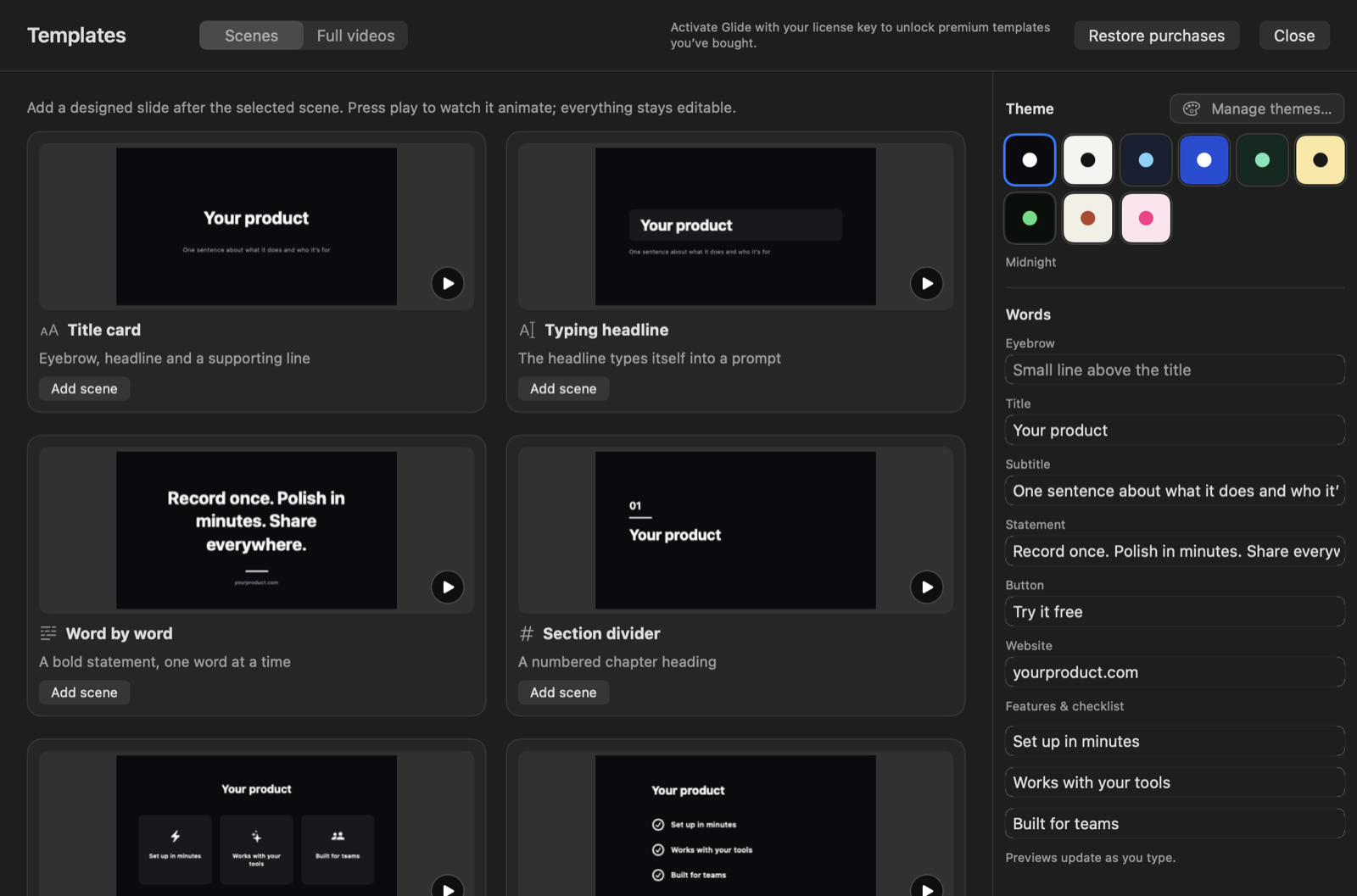
Scene templates
Single slides: Title card, Typing headline, Word by word, Section divider, Three features, Checklist, Big numbers, Testimonial, Call to action, Logo reveal and Logo outro. Their layouts adapt to 16:9, 9:16 and 1:1.
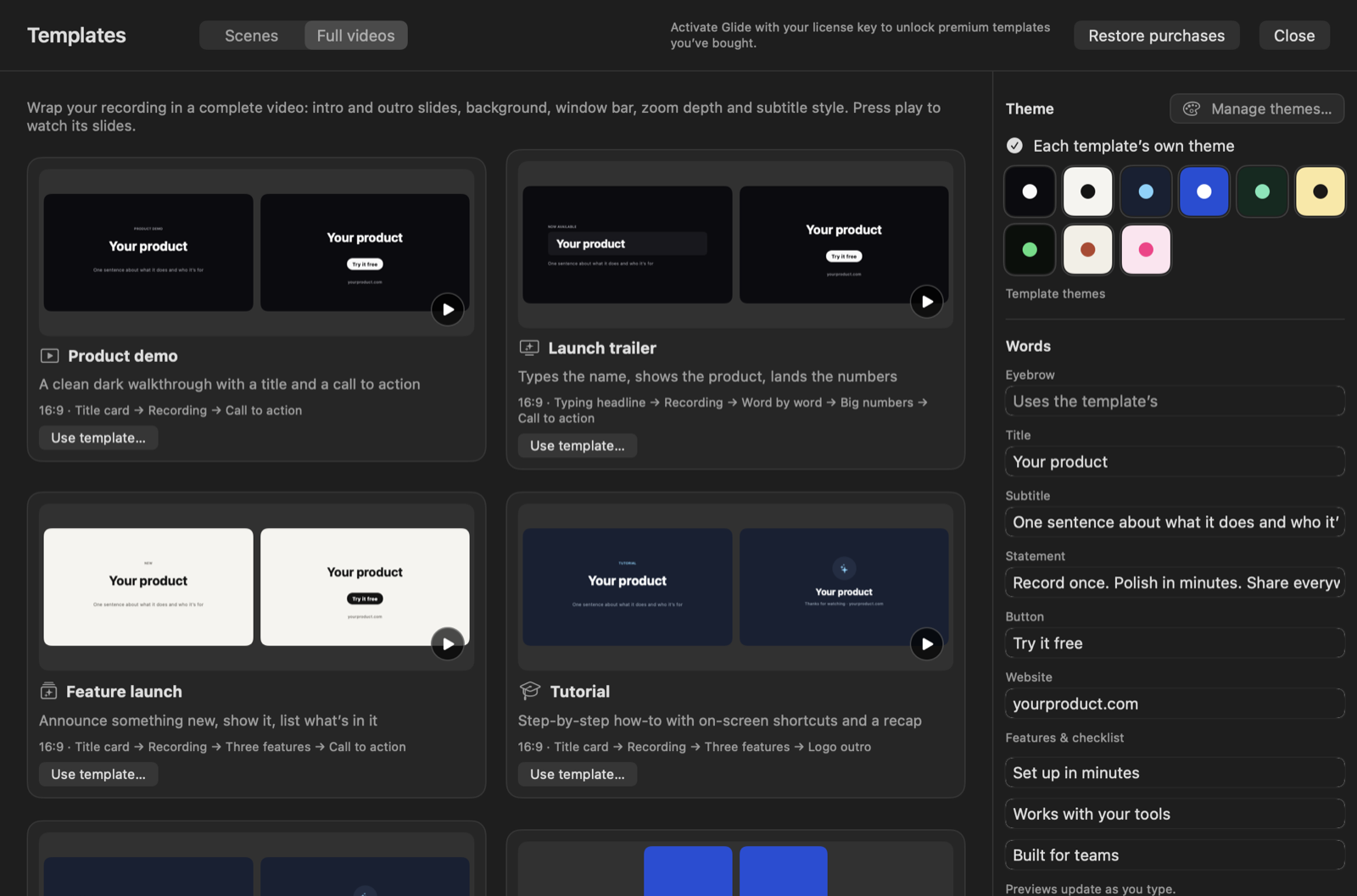
Video templates
| Template | Aspect | Flow |
|---|---|---|
| Product demo | 16:9 | Title card → Recording → Call to action |
| Launch trailer | 16:9 | Typing headline → Recording → Word by word → Big numbers → Call to action |
| Feature launch | 16:9 | Title card → Recording → Three features → Call to action |
| Tutorial | 16:9 | Title card → Recording → Three features → Logo outro, with on-screen keys |
| Dev walkthrough | 16:9 | Typing headline → Recording → Checklist → Logo outro, with on-screen keys |
| Social vertical | 9:16 | Title card → Recording → Call to action |
| Story reel | 9:16 | Word by word → Recording → Logo reveal |
| Square teaser | 1:1 | Title card → Recording → Logo outro |
Your words and theme
Fill in Eyebrow, Title, Subtitle, Statement, Button, Website and up to three Features & checklist items; previews update as you type. Pick a theme swatch, keep Each template’s own theme, or click Manage themes….
What a video template changes
- Replaces the slides with the template's scenes.
- Sets the aspect ratio, subtitle style, zoom depth, cursor and keystroke display.
- Gives the recording the theme's background, an inset, rounded corners, a shadow and a window bar (none for vertical templates).
- Keeps your recording, trim, cuts, zooms, speed changes and audio.
Related articles
- ThemesOpen Window → Themes… (⌥⌘T) to browse the built-in themes and create your own. A theme sets colors, heading and body fonts, card corners and motion for every template slide.
- Scenes and elementsA Screen Agent video is a sequence of scenes: the recording scene and design scenes (slides). Add scenes with + in the scene strip, and add text, buttons, shapes, icons, images, videos, paths, particles, SVG or Lottie from Insert or the Add section.
- Make your first videoClick New video (⌘N) on the home screen. Record a Website in Screen Agent's built-in browser, or your Full screen, an App or a Window. You can also start without recording, from Blank or a Template.
Still stuck? In Screen Agent, choose Help → Send Feedback… and pick Question, or browse the help center.